Guides
Flying without Wi-Fi, done right
Everything about tracking your flight, using GPS in Airplane mode and knowing what’s below your window — with or without the Flymap app.
Offline flight maps: see your whole route without internet
What an offline flight map is, why you should download one before boarding, and how to follow your whole route — no Wi-Fi, no roaming.
Read the guide →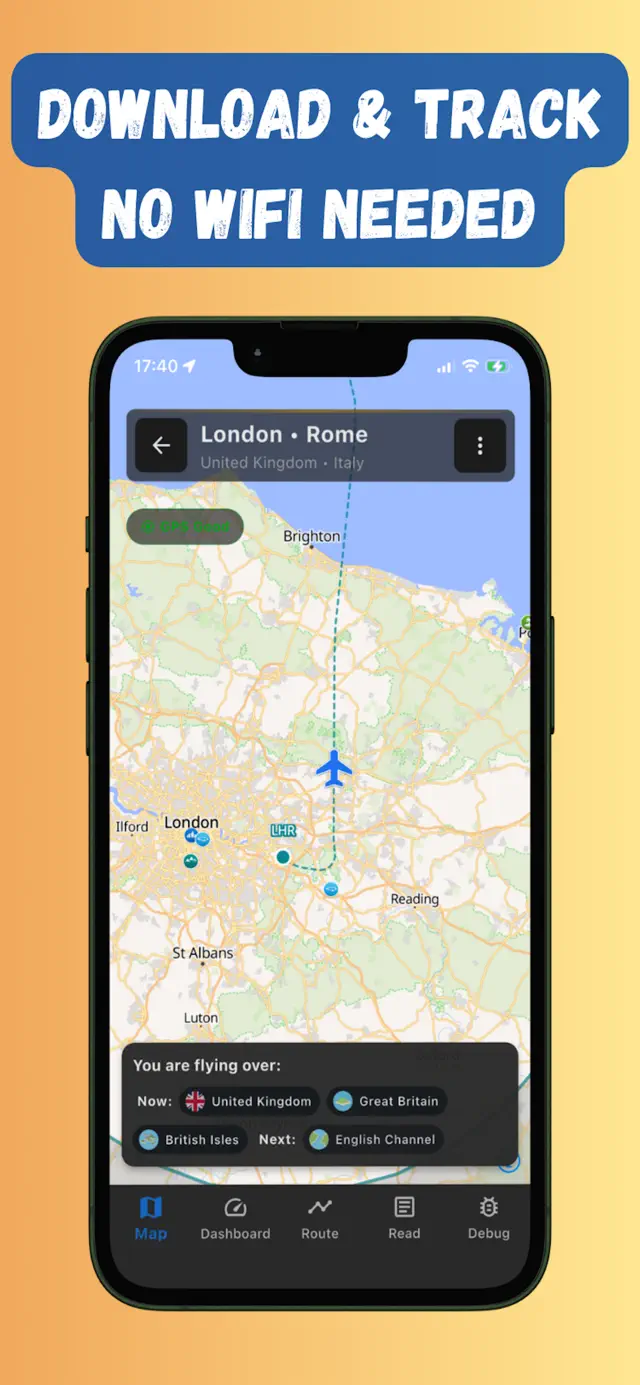
Does GPS work in airplane mode?
Short answer: yes. Why your phone’s GPS keeps working with every radio off, why it’s allowed on planes, and how to actually see yourself on a map.
Read the guide →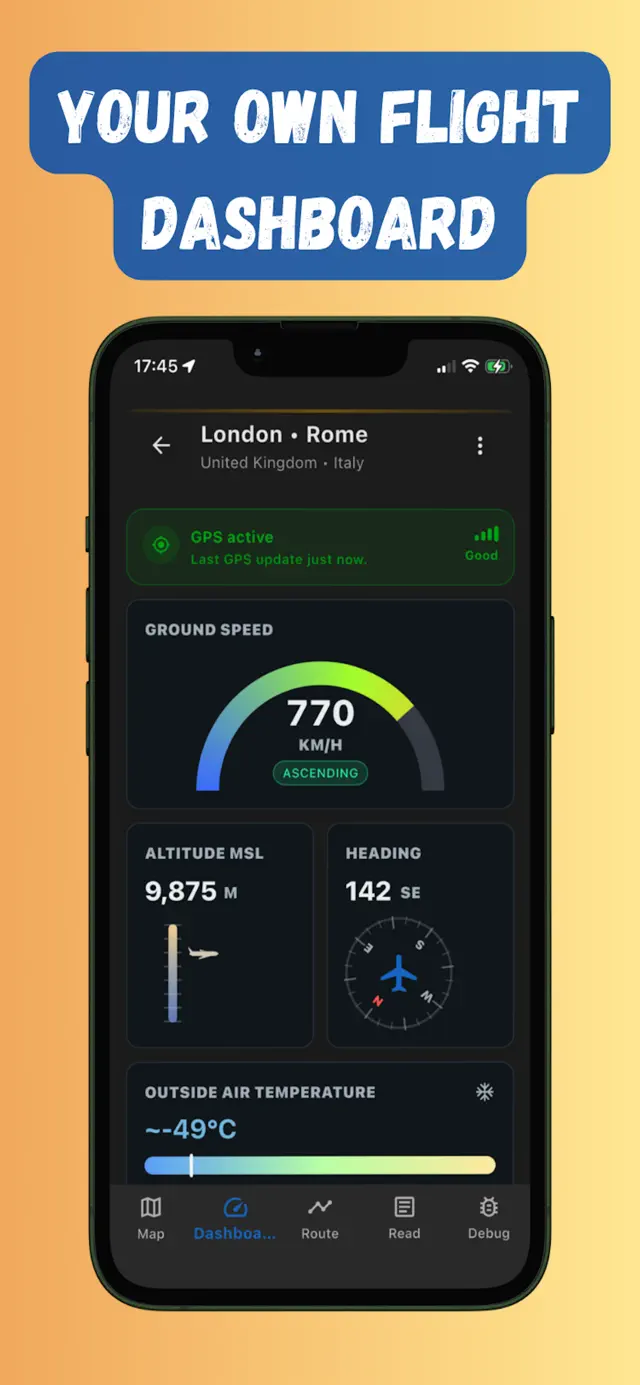
What am I flying over? How to identify what’s below your plane
Ways to put a name to the mysterious coastline below your window — from seatback maps to GPS apps that work in Airplane mode.
Read the guide →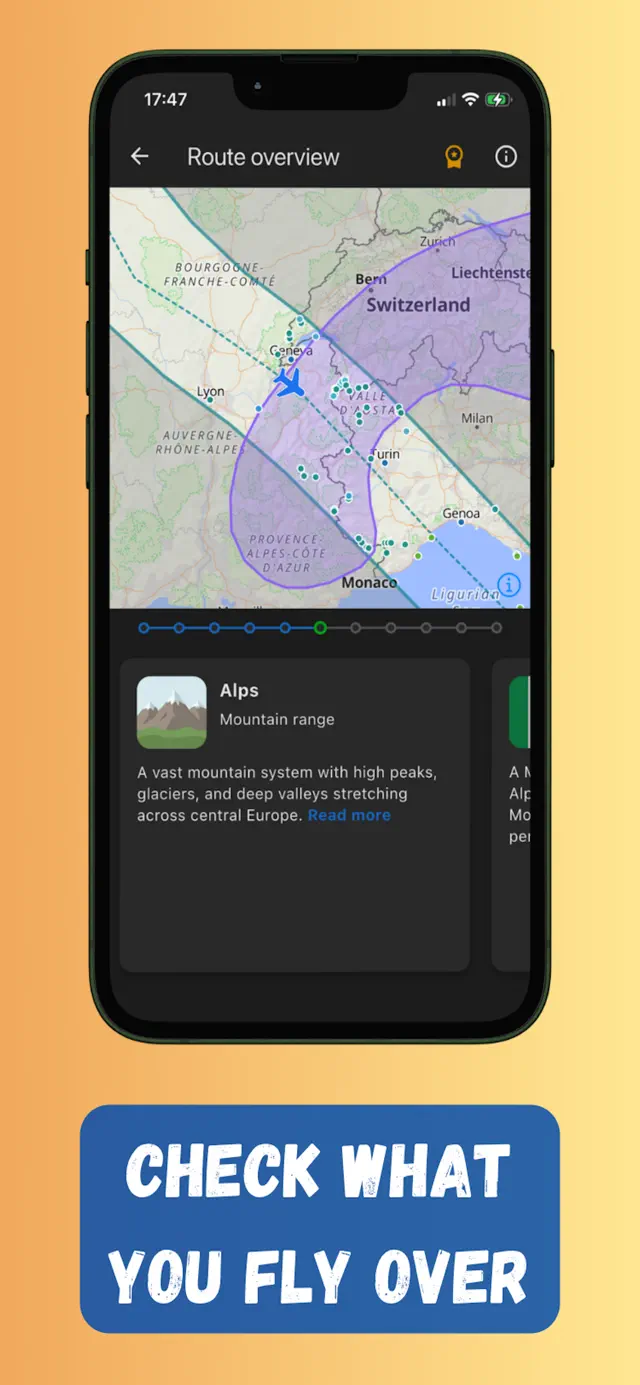
How to track your flight without Wi-Fi
Why the famous flight-tracker apps go dark mid-flight, and the offline GPS setup that keeps working from take-off to landing.
Read the guide →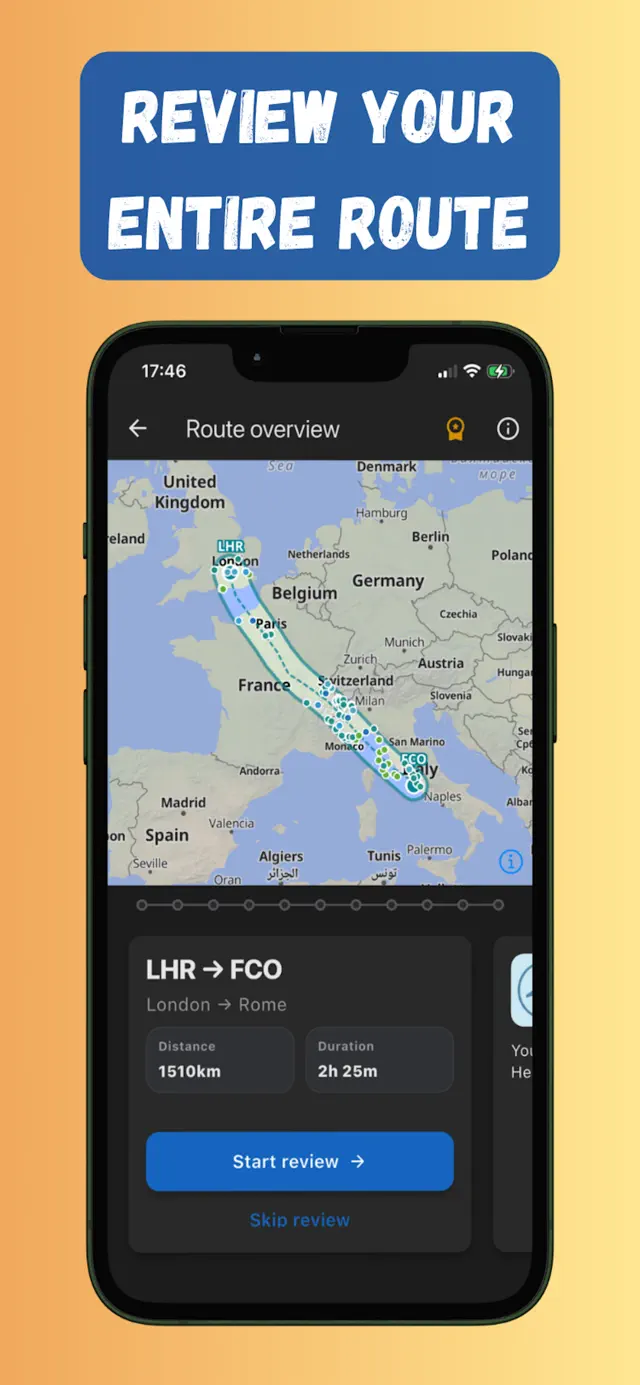
Can you use Google Maps on a plane?
What actually happens when you open Google Maps mid-flight, how far offline areas get you, and the flight-first alternative.
Read the guide →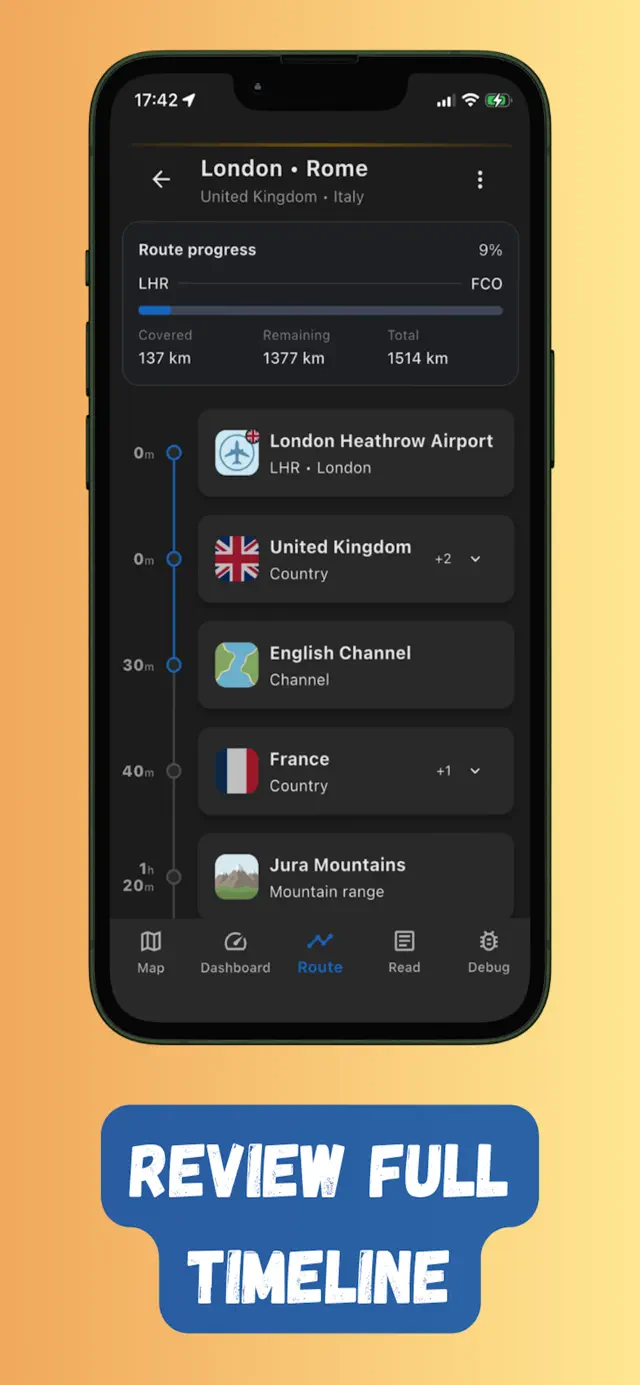
Things to do on a long flight without Wi-Fi
Seventeen genuinely good offline activities for a long-haul flight, plus the pre-boarding downloads that make them work.
Read the guide →
The window seat guide: how to get the best views on any flight
Choosing the right side of the plane, dodging the wing, timing the light, and putting names to what you see below.
Read the guide →No seatback screen? How to get a flight map on any airline
Flying an airline with no screens and no Wi-Fi? Turn your own phone into a better moving map than the seatback ever was.
Read the guide →Try it on your next flight
Get Flymap free on iPhone or Android, download your route before boarding, and see what you fly over — no Wi-Fi needed.


Flymap app